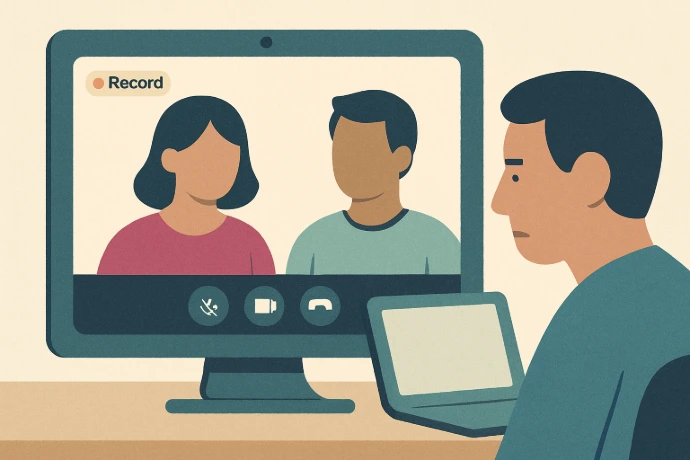
When a Microsoft Teams meeting is recorded and transcribed, Copilot can summarize the entire meeting for you. It tells you what was discussed, what decisions were made, and what action items came up — in a few short paragraphs.
After a meeting ends, go to the meeting in your Teams chat or calendar. If it was recorded, you'll see a Recap tab. Click it. Copilot has already prepared a summary. You can also ask specific questions: 'What did we decide about the budget?' or 'What are my action items from this meeting?'
You can even use Copilot during a live meeting. It can answer 'What has been said so far?' if you joined late. It's like having someone take notes in real time — except it never misses anything.
One important note: recording needs to be turned on, and everyone in the meeting needs to be notified. That's standard practice in most businesses — just make sure it's part of how you run your meetings going forward.