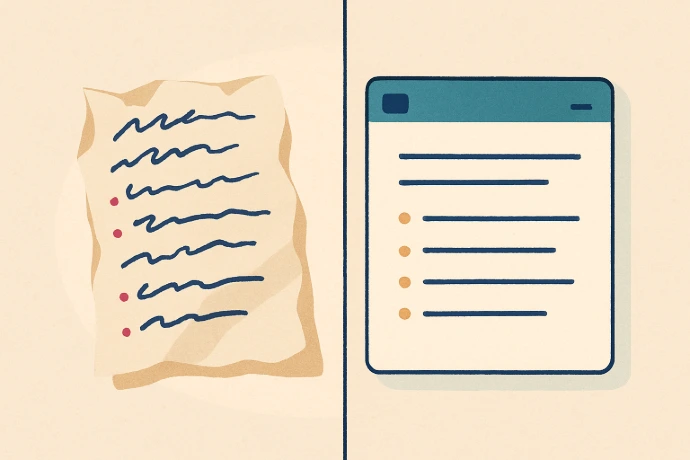
In Microsoft Word, Copilot can take whatever you've dumped onto the page — rough notes, bullet points, a rambling paragraph — and turn it into a clean, structured document. You don't have to format it. You don't have to write full sentences. You just have to get the information down.
Here's the workflow: open Word and paste in your rough notes. Then open Copilot and type something like: 'Turn these notes into a professional service description for a plumbing company' or 'Rewrite this as a clear proposal with an introduction and three sections.' Copilot rewrites it.
You can also ask Copilot to do smaller things: 'Make this shorter,' 'Make this sound more professional,' 'Add a section about pricing.' Each instruction refines the document further. It's like having an editor sitting next to you.
The best use of this: anything you've been avoiding because it felt like too much work to write properly. Get the ideas out first — even messily — and let Copilot do the polishing.